


How to Program a Garage Door Remote in a 2026 Linc
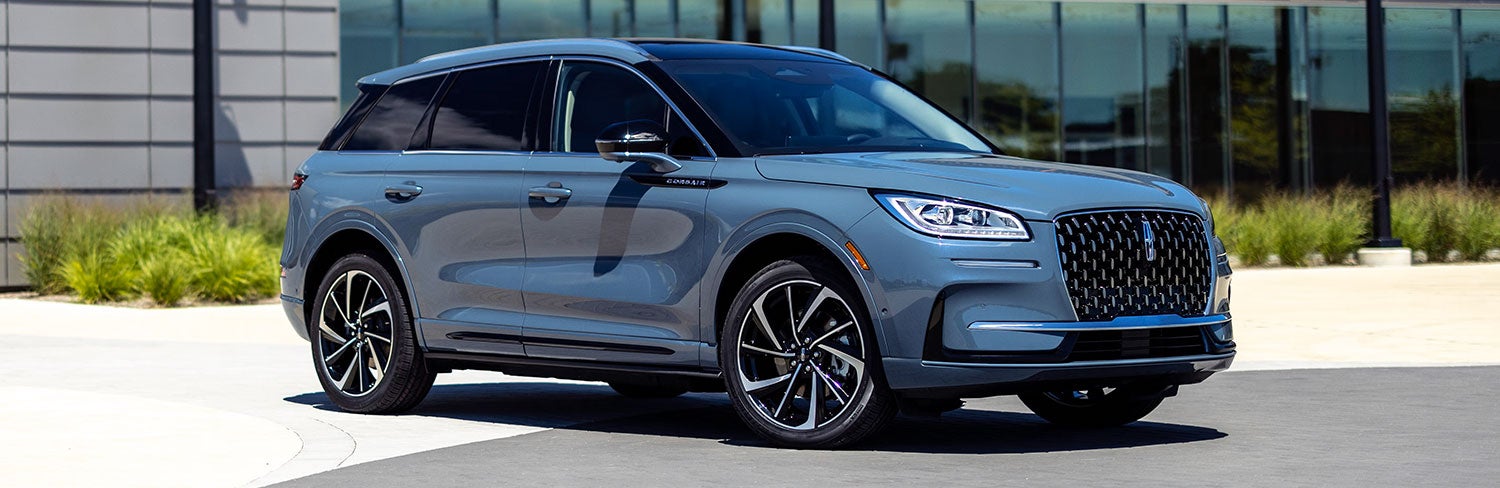
How to Program HomeLink® in Your 2026 Lincoln Corsair
One of the many convenient features available in the refined 2026 Lincoln Corsair is the HomeLink® wireless control system. This feature allows you to seamlessly integrate your garage door opener directly into your vehicle, eliminating cluttered separate remotes and adding effortless luxury to your daily routine.
At Caruso Lincoln in Long Beach, many new Lincoln owners ask how to set up their wireless transmitters. Follow this comprehensive, step-by-step technical guide to pair your garage system and start utilizing this premium feature.
Before You Begin
To ensure a flawless pairing cycle, please verify that you have completed these prerequisite requirements:
- Keep your original hand-held garage door remote transmitter nearby (with working batteries).
- Park your Lincoln Corsair directly outside or safely within operating range of the garage.
- Switch the vehicle ignition to the ON position or set it to Accessory Mode (ensure the engine is off if parked inside an enclosed space).
Note: If your Lincoln Corsair has previously stored remote entries or belonged to a prior driver, you must clear those saved codes completely before proceeding to Step 1.
Step-by-Step Programming Guide
- Locate the three HomeLink® buttons positioned cleanly along the bottom trim of your rearview mirror.
- Press and simultaneously hold the two outer buttons.
- Continue holding both outer buttons firmly for approximately 20 seconds. Do not release them until the house-shaped indicator light begins flashing rapidly.
- Release both buttons. The system cache is now cleared and open for clean programming parameters.
- Hold your original portable hand-held garage door remote approximately 1 to 3 inches away from the rearview mirror HomeLink® pad.
- Press and hold down your targeted HomeLink® mirror button while simultaneously pressing and holding the primary button on your old remote controller.
- Keep holding both buttons depressed continuously. Observe the vehicle's integrated indicator light as it transitions from a slow, steady pulse to a rapid, constant flash. This sync sequence typically takes between 10 to 30 seconds.
- Once the indicator light flashes rapidly, let go of both buttons. Your button profile is synced.
If your garage system was manufactured recently, it likely features Rolling Code safety technology. If your garage door does not actuate after finishing Step 2, finalize configuration with these additional security actions:
- Exit the cabin and locate the physical "Learn" or "Smart" pairing button on your actual overhead garage door opener motor assembly backplate.
- Press and quickly release this Learn button (do not hold it down, as this wipes all home remotes).
- Return to the interior of your Lincoln Corsair within 30 seconds of pressing the motor button.
- Firmly press and hold down your newly configured HomeLink® mirror button for two seconds, then release it.
- Repeat this press-and-release sequence up to three individual times. The garage door mechanism will engage and move when tracking is fully synchronized.
Troubleshooting & Diagnostics
If your receiver module fails to cycle correctly or respond after configuration, review these certified diagnostics:
- Check Remote Batteries: If your hand-held clicker signal is weak, the vehicle cannot cleanly clone the frequency code. Replace old batteries and try again.
- Positioning Parameters: Verify you are safely within transmitter reach of your garage door motor during the final sync phases.
- Process Restart: Clear the mirror codes completely and run the setup commands through one continuous timeline.
If you continue to experience integration issues, our certified technical service department is standing by to help configure your electronic systems manually.
Need Hands-On Support? Skip the confusion and schedule an integration window with our electronics experts online via the official Caruso Lincoln Service Scheduler.
Why Drivers Choose the 2026 Lincoln Corsair
The 2026 Lincoln Corsair effortlessly balances boutique sanctuary styling, modern connected utility, and dynamic everyday layout proportions within the premium compact luxury SUV marketplace:
| Premium Attribute | Standard & Available Technical Highlights |
|---|---|
| Powertrain Innovation | Available advanced hybrid configurations delivering efficient, immediate torque. |
| Driver-Assist Suite | Standard Lincoln Co-Pilot360™ suite featuring predictive safety mitigations. |
| Acoustic Sanctuary | Active Noise Control paired with an available Revel® Premium Audio setup. |
| Interior Refinement | Handcrafted premium materials, customizable ambient lighting, and sliding row configurations. |
Frequently Asked Questions
How many garage doors can I program into my Lincoln Corsair?
The premium universal HomeLink® transceiver lets you assign up to three separate automated links, including commercial rolling garage doors, community security gates, and compatible home smart-automation systems.
Why is my HomeLink® light flashing but my garage door isn't opening?
This status confirms that your vehicle successfully cloned the raw remote frequency during Step 2, but your motor requires rolling encryption verification. Complete the secondary handshake process outlined in Step 3 using the physical "Learn" button on your garage motor.
Do I need my original garage door remote to program HomeLink®?
Yes. The wireless module requires a direct localized broadcast frequency from a functioning original clicker to analyze and lock on to your home system's specific operating channel.
Can Caruso Lincoln help program my garage door opener?
Absolutely. Our factory-certified specialists can answer technical layout questions or personally demonstrate device pairing. Simply stop by our showroom or mention it during your next service visit.
Visit Caruso Lincoln for Expert Assistance
Discerning luxury car buyers regularly travel from Irvine, Costa Mesa, Garden Grove, and Anaheim to leverage competitive luxury auto pricing and experience premium customer hospitality at Caruso Lincoln.
Whether you need troubleshooting support with your vehicle technology or want to tour the newly released 2026 inventory lineup, our customer service advocates are here to make your journey completely seamless.
Visit our showroom today at 3500 Cherry Avenue, Long Beach, CA 90807 or explore customized purchasing plans by browsing our live online Caruso Lincoln New Luxury Inventory.