


How to Program a Garage Door Remote in the 2026 Lincoln Nautilus
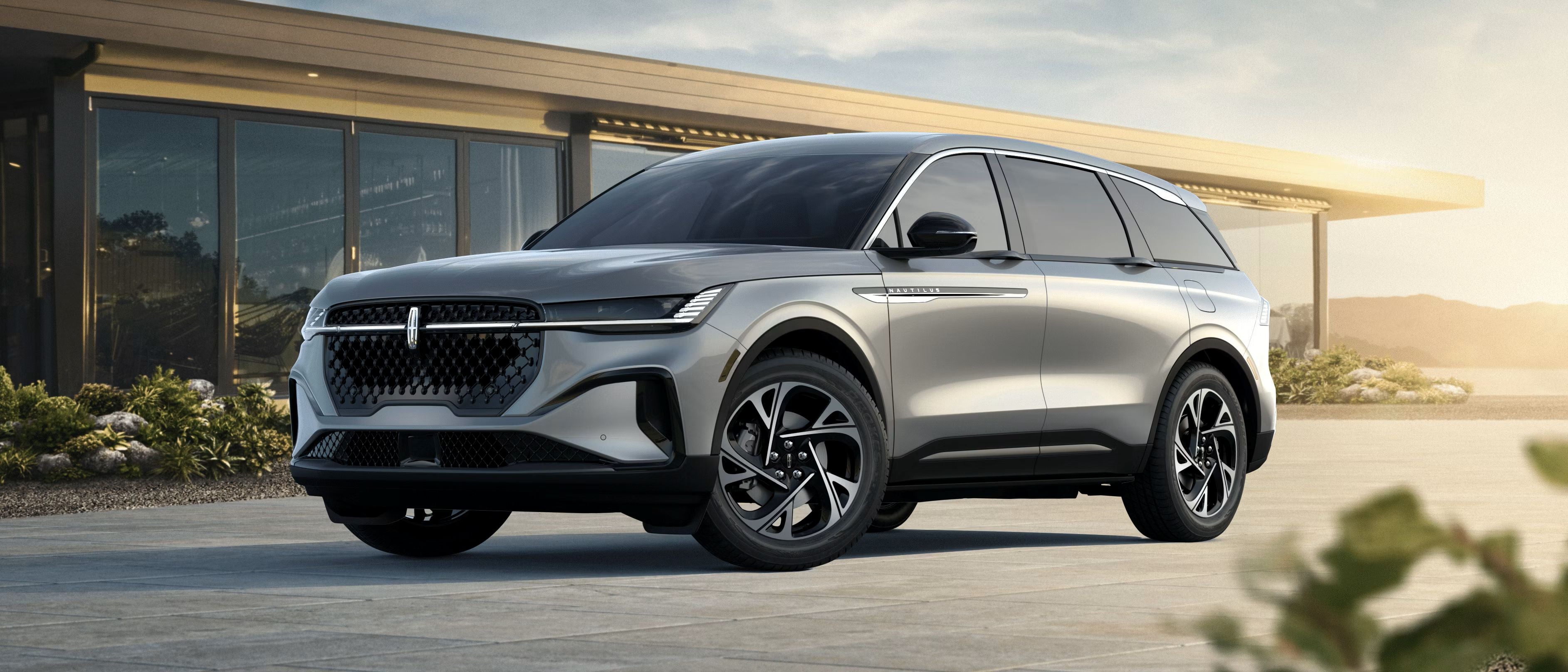
How to Program the Garage Door Opener in the 2026 Lincoln Nautilus
Programming the garage door remote in the 2026 Lincoln Nautilus is a simple way to make your luxury SUV even more convenient for everyday driving around Long Beach. The built-in HomeLink® universal garage opener replaces bulky remotes with integrated controls inside your vehicle, helping keep the cabin clean, organized, and easy to use.
At Caruso Lincoln, drivers from Signal Hill, Lakewood, Cerritos, and throughout the Long Beach area frequently ask about setting up HomeLink® features in the new Lincoln Nautilus. Follow the steps below to quickly pair your garage door opener.
Step 1: Reset Existing HomeLink® Settings
If your 2026 Lincoln Nautilus already has stored HomeLink settings, clear them before starting the programming process.
- Start the vehicle
- Press and hold the two outer HomeLink buttons
- Wait for the indicator light to begin flashing rapidly
- Release both buttons
Step 2: Pair Your Garage Door Remote
Hold your handheld garage door remote about 1–3 inches away from the HomeLink buttons, typically located near the rearview mirror.
- Press and hold the desired HomeLink button
- At the same time, press and hold the button on your garage remote
- Continue holding both buttons until the indicator light changes from a slow blink to a rapid flash
This confirms the Lincoln Nautilus has recognized the remote signal.
Step 3: Program Rolling Code Garage Doors
Most modern garage door systems use rolling code technology for additional security. If your system uses rolling code functionality, complete these additional steps:
- Locate and press the “Learn” button on your garage door opener motor
- Return to your Nautilus within 30 seconds
- Press the programmed HomeLink button two or three times
- Your garage door should activate once programming is complete
2026 Lincoln Nautilus Technology Features
The 2026 Lincoln Nautilus combines advanced convenience technology with premium luxury features designed to enhance every drive through Southern California. Along with HomeLink® integration, the Nautilus offers a sophisticated digital display, connected services, driver-assist technology, and a refined interior experience.
If you want to explore additional features and trim levels, browse the new Lincoln inventory at Caruso Lincoln to see available Nautilus models in Long Beach.
Troubleshooting Tips
- Make sure your garage remote battery is fully charged
- Hold the remote steady during programming
- Repeat the process if the signal does not register the first time
- Verify your garage door opener is compatible with HomeLink® technology
Convenient Luxury for Long Beach Drivers
Whether you're commuting through downtown Long Beach, heading home to Lakewood, or navigating Signal Hill traffic, built-in garage access adds everyday convenience to your driving experience. The 2026 Lincoln Nautilus is designed to simplify daily routines while delivering the premium comfort Lincoln drivers expect.
Need help setting up your Lincoln technology features? Schedule service or speak with the team at Caruso Lincoln in Long Beach.
Frequently Asked Questions
Does the 2026 Lincoln Nautilus come with HomeLink®?
Yes, most 2026 Lincoln Nautilus models include the HomeLink® universal garage door opener system as a standard or available feature.
Can I program multiple garage doors?
Yes. HomeLink® allows you to store multiple devices, including garage doors, gates, and compatible home security systems.
Where are the HomeLink buttons located in the Lincoln Nautilus?
In most 2026 Lincoln Nautilus models, the HomeLink buttons are positioned near the rearview mirror or overhead console for easy access.
Can Caruso Lincoln help program my garage door opener?
Yes. The team at Caruso Lincoln Service Center can assist with HomeLink® programming and other Lincoln technology features.